Getting Started Guide for Nomad XS Tracker
Step-by-step instructions for setting up the Truvami Nomad XS.
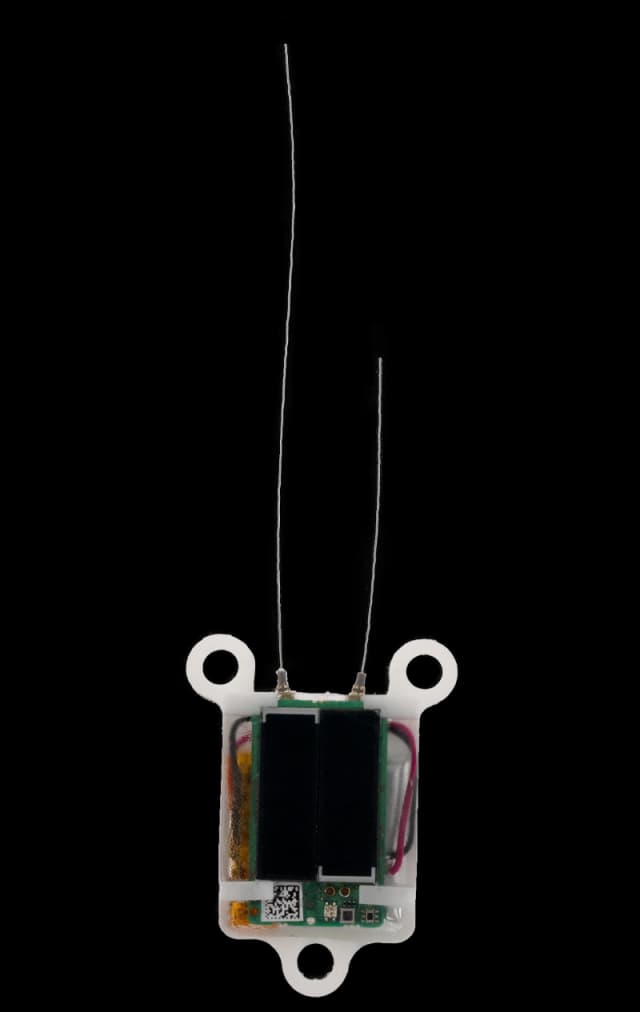
Versions: 1.0.0
Date: 2024-06-20
Activate your device
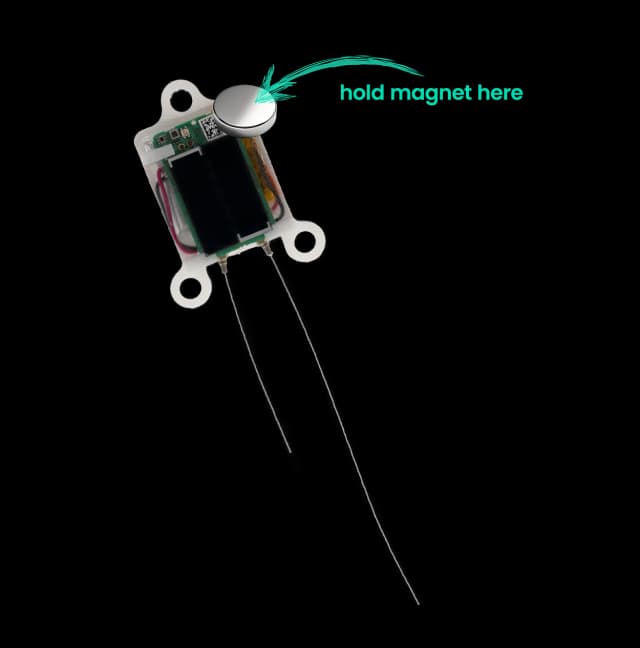
1. Activate the tracker by bringing a magnet close to the board for 3-4 seconds
Once the LED blinks red, the tracker has been successfully activated
2. Click on the activation link that you have received by email
It will take you to the https://dashboard.truvami.com page where you can set your password
Troubleshooting
If the device fails to join, consider the following list of workarounds:
1. Check your LoRaWAN coverage.
If applicable, plug in your LoRaWAN Gateway. In case you have your own network server, check on there if data is coming through.
2. Check if battery is fully charged:
Lay the nomad XS faced up into the sun to charge by its solar panels.
3. Reset the device using the magnet:
Hold the magnet against the side of the tracker for around 8 seconds (see image at 1. above). The device should now restart.
Need Support?
For support, please submit a ticket. We will respond as quickly as possible.